
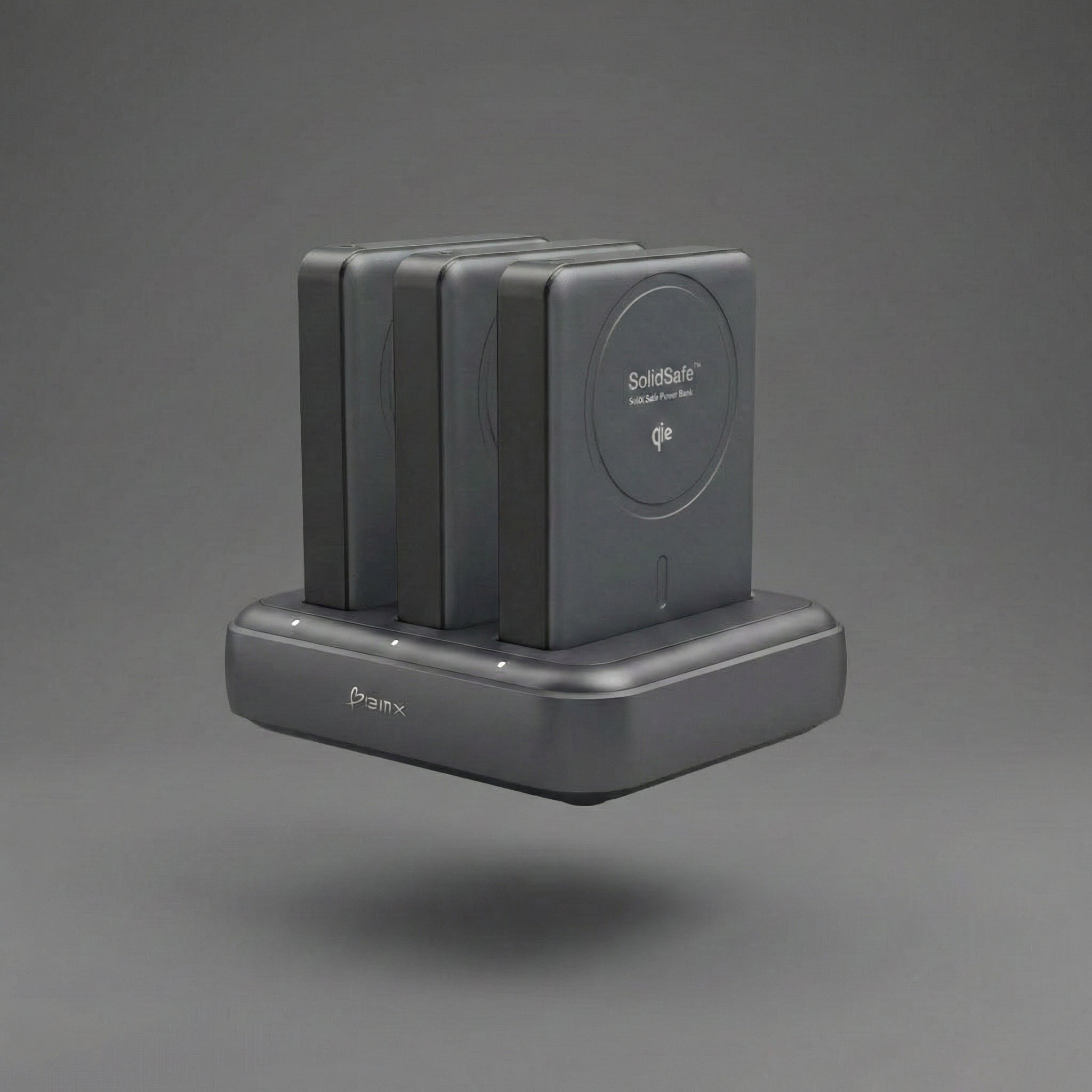
Your power bank feels warm in your pocket. You pull it out mid-charge and it's uncomfortably hot to touch. Is this normal? Is it dangerous? Should you stop using it?
Here's what you need to know: some heat is normal and expected when charging or being charged, but excessive heat can signal a serious problem. Understanding the difference between normal warmth and dangerous overheating can prevent property damage, burns, and fires.
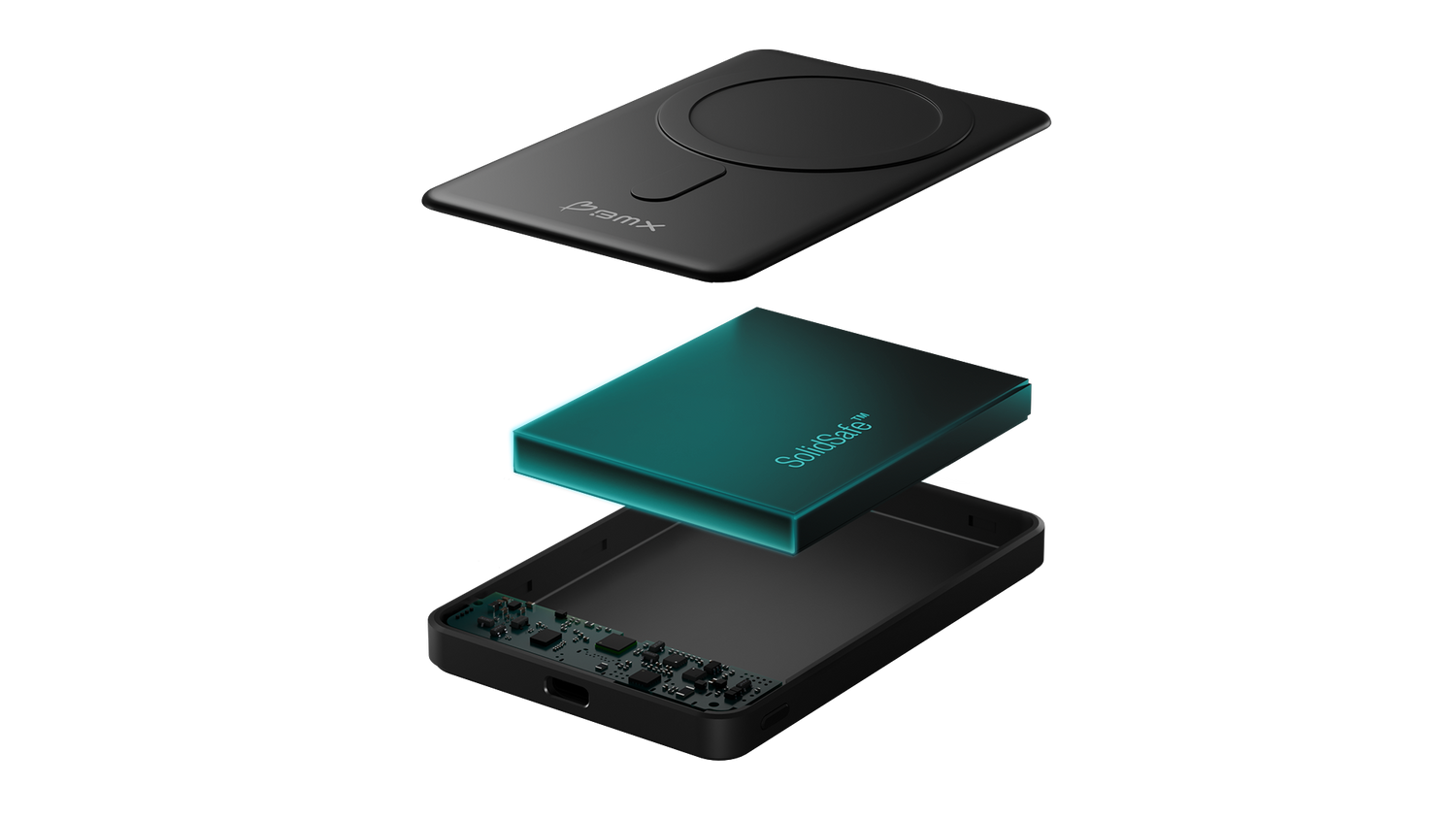
Power banks generate heat during normal use - that's basic physics. The question is whether that heat is being managed safely. Traditional lithium-ion power banks contain liquid electrolyte that can vaporize and ignite under stress. Newer semi-solid-state designs use gel-like electrolyte that stays stable when heated, which changes the thermal safety profile significantly.
This guide explains why power banks heat up, when it's safe, and when you should act.
Why Do Power Banks Get Hot When Charging?
Power banks generate heat during charging due to energy conversion inefficiency and electrical resistance. When electricity flows through the battery cells and charging circuits, not all of that energy gets stored - some escapes as heat. This is normal physics, not a defect.
The charging process involves chemical reactions inside lithium-ion or lithium-polymer cells. As ions move between electrodes, they create resistance. That resistance generates heat proportional to the charging speed. A 20W USB-C PD charger transfers energy faster than a 5W charger, which means more heat production during the same timeframe.
Additionally, the charging circuit (also called a battery management system or BMS) actively regulates voltage and current to protect the battery. These components themselves generate heat while working. In a well-designed power bank, this heat dissipates through the aluminum or plastic casing without reaching unsafe levels.
For Safer Daily Carry Power:
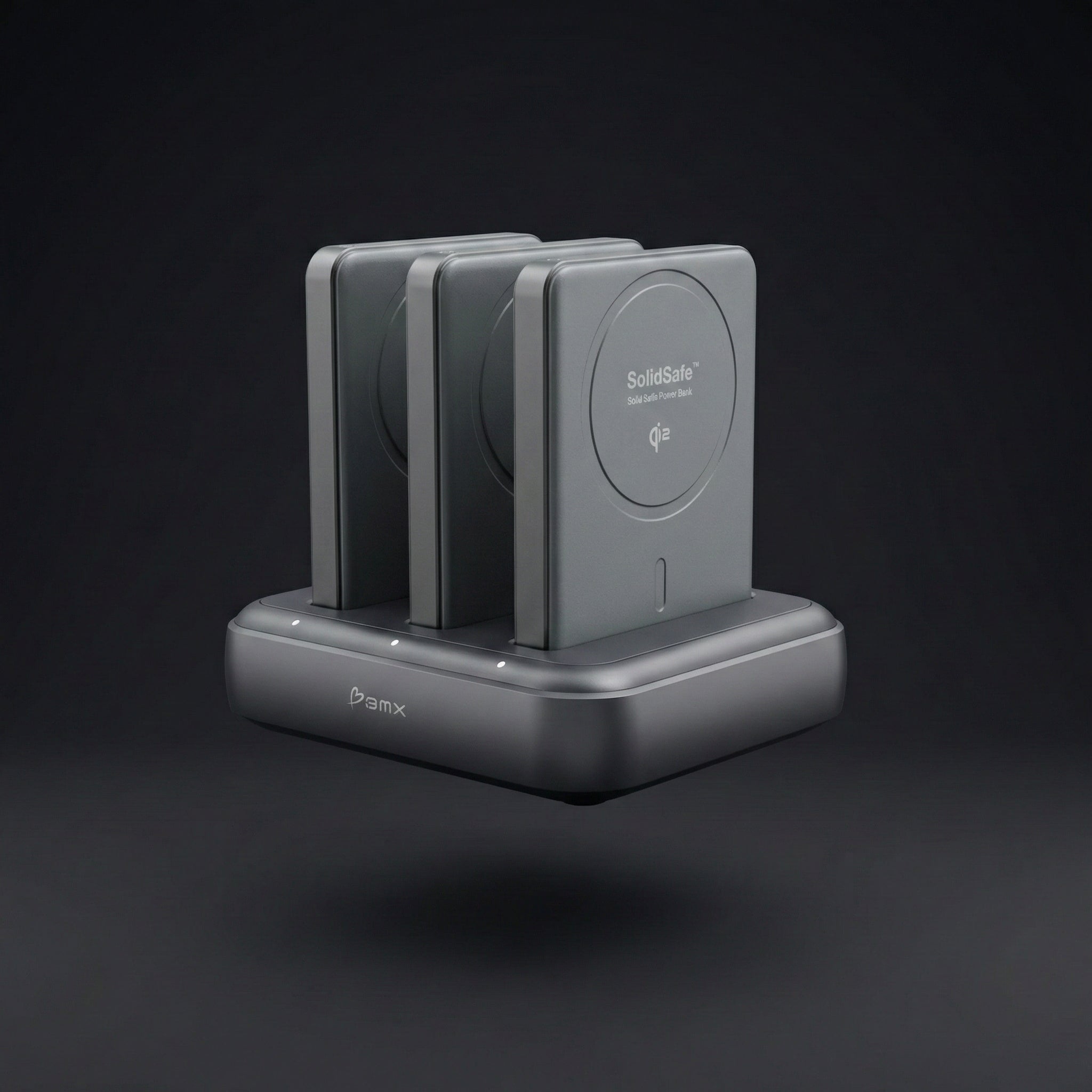
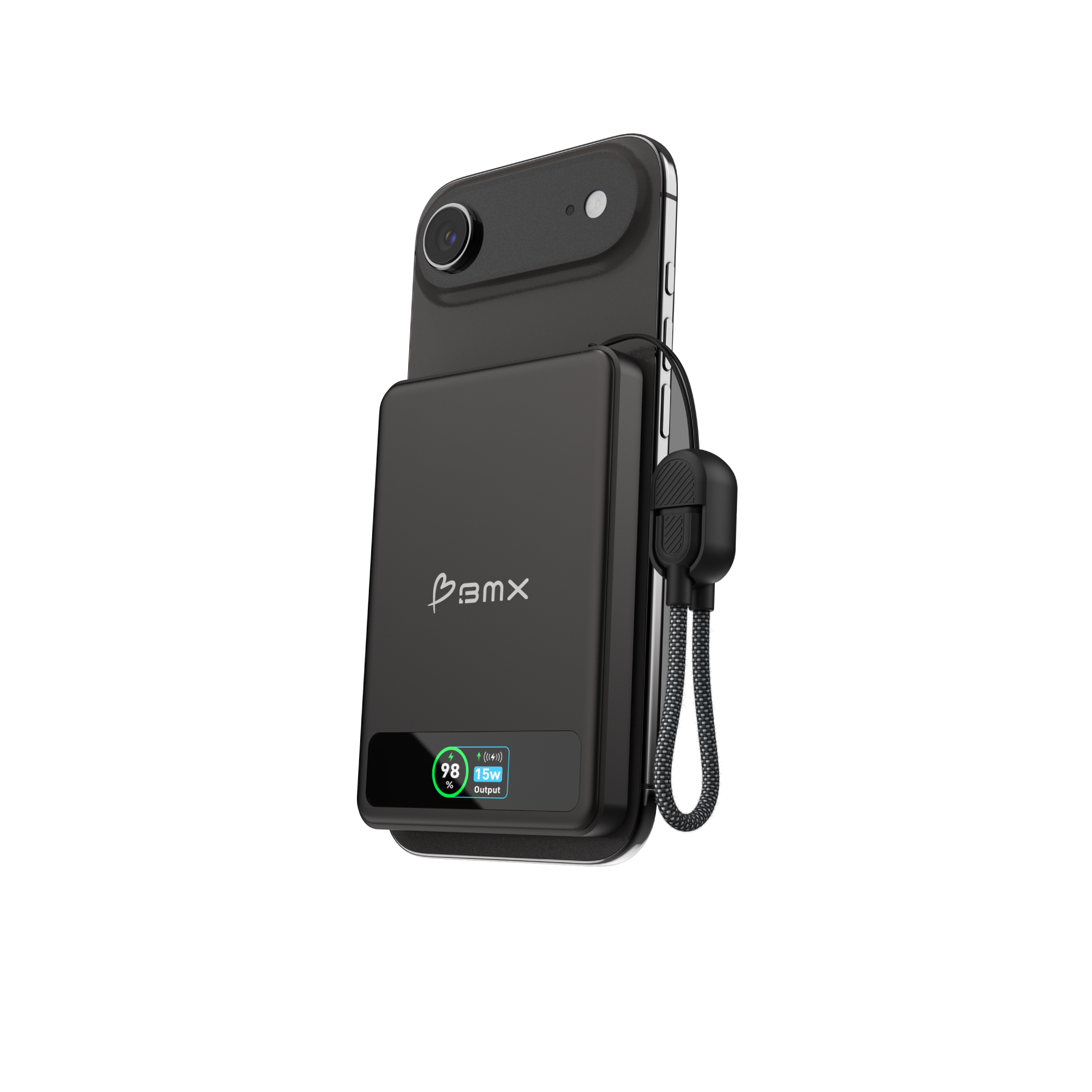 SolidSafe™ 5K ($79.99)
Qi2 15W magnetic wireless
20W USB-C PD
Semi-solid-state battery
Aluminum casing
Is It Normal for a Power Bank to Get Warm?
Yes. A power bank will typically warm to around 77-95°F (25-35°C) while actively charging a device or being charged itself. This is within the normal operating range for lithium-based batteries under moderate load. You may notice slight warmth, but it shouldn't feel uncomfortably hot.
Aluminum casings conduct heat better than plastic, so they feel warmer to the touch even though the internal battery temperature may be the same or lower. The warmth you feel is heat escaping efficiently, not building up inside. This is actually safer - aluminum dissipates internal heat quickly, preventing dangerous buildup. Plastic casings insulate heat, keeping it trapped inside even though the exterior feels cooler.
Fast Charging Creates More Heat
Fast charging increases heat production because it moves more power in less time. If you're using a 30W USB-C PD output to charge a phone from 0% to 50%, expect the power bank to feel noticeably warm. Once your phone hits 80% and charging slows down (this is normal battery protection), the power bank will start cooling.
Wireless Charging Generates Even More Heat
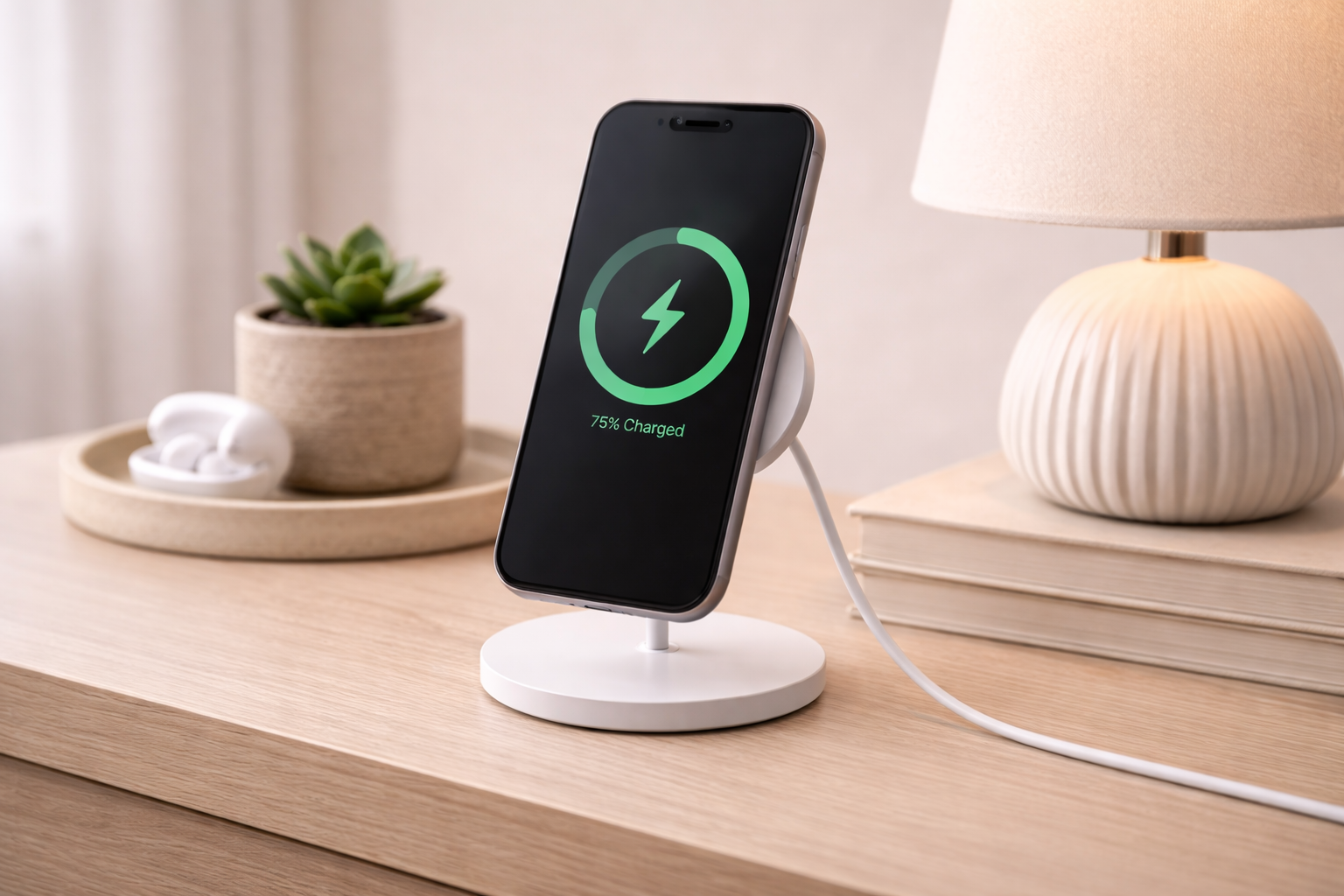
Wireless charging generates even more heat. Qi2 and MagSafe charging are inherently less efficient than wired charging because energy is transferred through electromagnetic induction rather than direct connection. You'll typically see 60-80% efficiency with wireless versus 85-95% with wired. That lost energy becomes heat in both the power bank and your phone.
Power Bank Overheating vs Normal Warmth: How to Tell the Difference
Normal warmth (safe):
- Warm to touch but not painful (77-95°F / 25-35°C)
- Heat concentrated around the charging ports or wireless charging surface
- Temperature decreases once charging stops or slows
- No swelling, deformation, or unusual smells
- Power bank functions normally and charges devices as expected
Dangerous overheating (act immediately):
- Too hot to hold comfortably (104°F+ / 49°C+)
- Heat remains high even after disconnecting all devices
- Visible swelling or bulging casing
- Burning smell, chemical odor, or unusual sounds (hissing, popping)
- Screen on your phone shows "charging paused due to temperature"
- Power bank shuts down unexpectedly
- Discoloration or melting on the casing
If you see any signs from the dangerous list, stop using the power bank immediately. Don't try to charge it or discharge it further. Place it on a non-flammable surface away from people and let it cool completely before disposal.
Why Does Wireless Charging Get So Hot?
Wireless charging generates more heat than wired charging because it's inherently less efficient. When you use Qi2, MagSafe, or standard Qi wireless charging, energy is transferred through electromagnetic induction - creating a magnetic field in the power bank that induces current in your phone's receiver coil.
The problem: not all of that magnetic energy makes it into your phone's battery. Some is lost to air gap resistance, coil misalignment, and heat in both the transmitter (power bank) and receiver (phone). Wireless charging typically operates at 60-80% efficiency versus 85-95% for wired USB-C PD charging.
That 15-30% efficiency loss becomes heat. You'll feel it in three places:
- The power bank's wireless charging surface - This is where the transmitter coil sits. It's actively generating the magnetic field, which produces heat directly.
- Your phone's back - The receiver coil absorbs energy and converts it to electricity, generating heat in the process.
- Between the two surfaces - If there's a thick case or poor alignment, energy is wasted trying to bridge the gap, producing even more heat.
Phone cases make this worse. A thick silicone or leather case creates an insulating layer that traps heat and increases the air gap between coils, reducing efficiency further. If your phone feels uncomfortably hot during wireless charging, try removing the case and ensuring proper magnetic alignment. Better alignment means less wasted energy and less heat.
Modern Qi2 chargers use magnetic alignment to improve efficiency and reduce heat compared to older Qi chargers. The magnets ensure the transmitter and receiver coils line up perfectly, minimizing air gap losses. This is why Qi2 runs cooler than non-magnetic Qi wireless charging at the same 15W output level.
What Causes Dangerous Power Bank Overheating?
Dangerous overheating occurs when something disrupts the power bank's normal thermal management. Here are the most common causes:
Overcharging or Leaving Plugged In Too Long
Most modern power banks have overcharge protection circuits that stop accepting power once the battery reaches 100%. However, if the protection circuit fails or the power bank stays plugged in for 12+ hours, heat can build up in the cells and stress the protection components themselves. This is especially risky if the power bank is in an enclosed space like a drawer or under a pillow where heat can't escape.
Using Incompatible or Low-Quality Chargers
Chargers that deliver unstable voltage or excessive current can stress the battery management system. This is common with cheap, uncertified wall adapters from unknown brands. The power bank's BMS has to work harder to regulate the incoming power, generating more heat and potentially failing under sustained stress.
Physical Damage or Internal Short Circuits
If you drop a power bank or puncture the casing, internal components can shift or break. Damaged battery cells can develop internal shorts where current flows through unintended pathways, generating extreme localized heat. This is how thermal runaway incidents begin.
High Ambient Temperature Plus Charging
Charging a power bank in a hot car (140°F+ / 60°C+) or in direct sunlight significantly raises the internal temperature. The battery has to operate in an already-hot environment, leaving less thermal headroom before reaching dangerous levels.
Manufacturing Defects
Low-quality power banks may have insufficient spacing between cells, poor thermal management design, or defective protection circuits. According to CPSC records, major recalls in 2024-2025 included over 1 million Anker power banks and nearly 500,000 Charmast units due to overheating and fire risks from manufacturing defects.
Understanding Thermal Runaway
Thermal runaway is the most dangerous scenario. It occurs when internal temperature rises uncontrollably, causing chemical reactions that generate more heat in a self-sustaining cycle. According to peer-reviewed battery research, lithium-ion batteries undergoing thermal runaway can reach temperatures as high as 900°C (1,652°F) in seconds. The flammable liquid electrolyte vaporizes, builds pressure, and ignites when exposed to oxygen.
Semi-solid-state designs address this by replacing most liquid electrolyte with gel-like material that doesn't vaporize or flow the same way under stress. For example, SolidSafe™ power banks use ~2.5% liquid electrolyte content with the rest being gel. This helps reduce the likelihood that internal damage or shorts escalate into thermal runaway. Risk is reduced, not eliminated - no battery is risk-free.
How to Prevent Power Bank Overheating
Preventing dangerous heat buildup is mostly about avoiding known risk factors and monitoring your power bank's behavior:
Use Compatible Chargers and Cables
Match the power bank's input specifications. If it says "USB-C PD 20W input," use a 20W or higher USB-C PD wall adapter. Don't use old 5W iPhone adapters or damaged cables with exposed wiring. These create voltage instability that forces the BMS to work harder, generating excess heat.
Charge on Ventilated Surfaces
Place power banks on hard, flat surfaces with good airflow during charging. Don't charge on soft surfaces like beds, couches, or inside bags where heat gets trapped. Avoid charging in enclosed spaces like drawers or cabinets.
Avoid Extreme Temperatures
Don't charge power banks in cars during summer (interior temps exceed 140°F / 60°C). Don't use them in direct sunlight. Don't charge them next to heat sources like radiators or laptops running intensive tasks. Optimal charging temperature is 50-95°F (10-35°C).
Remove Thick Phone Cases for Wireless Charging
Thick cases increase the air gap between wireless charging coils, reducing efficiency and generating more heat. Remove bulky cases when using Qi2 or MagSafe charging, especially if your phone or power bank feels unusually hot.
Store Properly When Not in Use
For long-term storage (more than a month), keep power banks at 40-60% charge in a cool, dry place. Storing at 0% or 100% puts stress on the cells and can accelerate degradation, which increases the risk of overheating when you do charge it later.
Monitor for Warning Signs
Regularly inspect your power bank for swelling, unusual smells, discoloration, or devices rejecting the charge with temperature warnings. These are early signs of battery degradation or internal damage. Retire the power bank immediately if you notice any of these.
What to Do If Your Power Bank Gets Too Hot
If your power bank exceeds safe operating temperature, act quickly:
- Temperature exceeds 104°F (40°C) - If it's too hot to hold comfortably for more than 3-5 seconds, it's dangerously hot.
- Disconnect immediately - Unplug from wall charger and disconnect all devices.
- Move to a safe location - Place on a hard, non-flammable surface (concrete, metal table) away from people and flammable materials.
- Let it cool completely - This may take 30-60 minutes. Don't try to speed cooling by putting it in the fridge or freezer - rapid temperature changes can cause condensation inside the unit.
- Inspect after cooling - Look for swelling, casing deformation, burn marks, or unusual odors. If any are present, do not use again.
- Dispose safely - Take to an electronics recycling center or battery collection site. Don't throw in regular trash - damaged lithium batteries pose fire risks in waste trucks and landfills.
If you see smoke, flames, or rapidly increasing heat even after disconnecting, evacuate immediately and call emergency services. Do not attempt to extinguish a lithium battery fire with water - use a fire extinguisher rated for electrical fires (Class C) or sand.
Upgrade to Semi-Solid-State Safety:
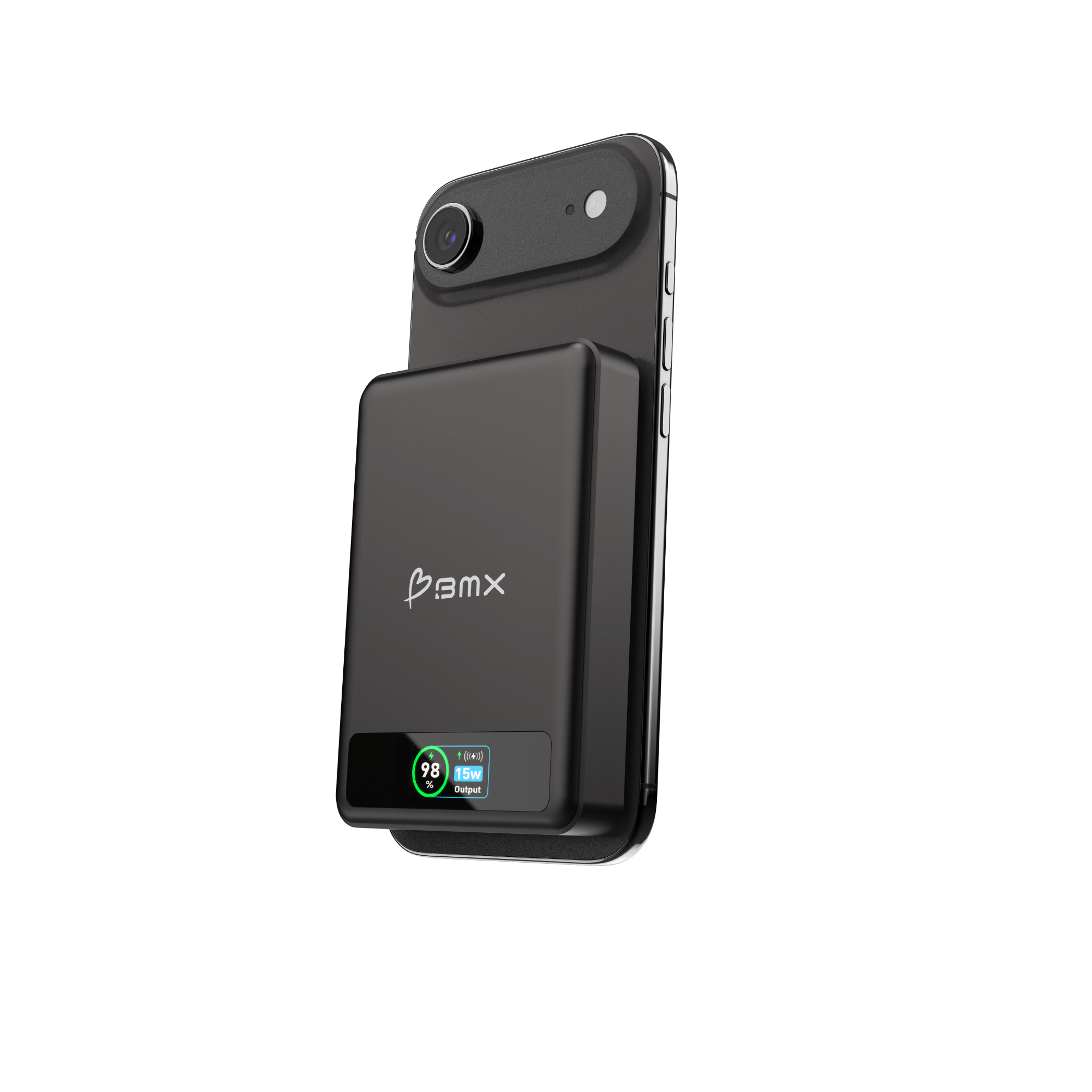 SolidSafe™ 10K ($99.99)
Dual 30W USB-C ports
Qi2 15W magnetic wireless
Semi-solid-state battery
Aluminum casing
How Semi-Solid-State Power Banks Handle Heat Differently
Semi-solid-state power banks use battery cells that replace most liquid electrolyte with gel-like, viscous material that doesn't flow or vaporize the same way. SolidSafe™ power banks, for example, use ~2.5% liquid content with the rest being gel. Here's what this changes:
Better Heat Dissipation
The gel electrolyte has more uniform thermal conductivity than free-flowing liquid. Heat distributes more evenly across the battery surface rather than creating localized hot spots. This makes the exterior temperature more representative of what's happening inside, giving you better feedback about the battery's actual state.
Improved Thermal Stability
When stressed (overcharged, damaged, or heated externally), the gel maintains its structure better than liquid. It doesn't expand as aggressively or build internal pressure the same way. This reduces the likelihood that minor damage escalates into thermal runaway.
Reduced Fire Risk
If a semi-solid cell is punctured or crushed, the gel doesn't vaporize or spray like liquid electrolyte. In penetration testing, a fully charged semi-solid-state cell punctured with a power drill showed brief heating but no smoke, no fire, and no thermal runaway. The same test on traditional lithium-ion power banks produces immediate flames.

SolidSafe™ drill penetration test - no smoke, no fire, no thermal runaway
This doesn't mean semi-solid power banks can't overheat. They absolutely can if abused - overcharged, left in 150°F cars, or damaged internally. But the escalation path from "warm" to "dangerous" is slower and more controllable than with liquid-based lithium-ion designs. Risk is reduced, not eliminated. No battery is fireproof.
For users who carry power banks daily, travel frequently, or charge wirelessly in warm environments, semi-solid-state designs provide measurable thermal safety improvements over conventional lithium-ion alternatives.
Frequently Asked Questions
Is it normal for a power bank to get warm while charging?
Yes, it's normal for a power bank to warm up to 77-95°F (25-35°C) while charging a device or being charged. This heat comes from energy conversion inefficiency and electrical resistance in the battery cells and charging circuit. However, if the power bank becomes too hot to hold comfortably (104°F+ / 49°C+), that's dangerous and you should stop using it immediately.
Why does wireless charging make my power bank hotter than wired charging?
Wireless charging generates more heat than wired charging because it's less efficient. Energy is transferred through electromagnetic induction (magnetic fields) rather than direct electrical connection, which wastes 15-30% of the energy as heat. Both the power bank's wireless charging surface and your phone's back will warm up during Qi2 or MagSafe charging. Removing thick phone cases and ensuring proper magnetic alignment can reduce heat.
Can power banks overheat and catch fire?
Yes, power banks can overheat and catch fire if they experience thermal runaway - an uncontrolled temperature increase caused by internal short circuits, overcharging, physical damage, or manufacturing defects. Traditional lithium-ion power banks with flammable liquid electrolyte are particularly vulnerable. According to peer-reviewed battery research, thermal runaway can cause temperatures to exceed 900°C (1,652°F) in seconds, igniting the liquid electrolyte. Semi-solid-state designs reduce this risk by using ~2.5% liquid content with gel-like stability, making escalation less likely.
How hot is too hot for a power bank?
A power bank is too hot if it exceeds 104°F (40°C) or becomes uncomfortable to hold for more than 3-5 seconds. Normal operating temperature during charging is 77-95°F (25-35°C). If your power bank feels painfully hot, smells unusual, shows swelling, or stays hot after disconnecting devices, stop using it immediately and let it cool on a non-flammable surface before disposal.
Should I unplug my power bank when it reaches 100%?
Yes, unplug your power bank once it reaches 100%. While modern power banks have overcharge protection circuits, leaving them plugged in for extended periods (12+ hours) can trap heat, especially if they're in enclosed spaces like drawers or under pillows. This prolonged heat exposure can stress the battery and protection circuits. Charge on a hard, ventilated surface and unplug when the indicator shows full.
What makes semi-solid-state power banks safer regarding heat?
Semi-solid-state power banks replace most liquid electrolyte with gel-like material that doesn't vaporize or flow under stress. This design distributes heat more evenly across the battery surface, improves thermal stability under stress, and reduces fire risk because the gel doesn't vaporize or spray when punctured. In penetration testing, semi-solid cells showed brief heating but no smoke, fire, or thermal runaway, while traditional lithium-ion produced immediate flames.
Why does my power bank feel warmer when it has an aluminum case?
Aluminum casings conduct heat better than plastic, so they feel warmer to the touch even though the internal battery temperature may be the same or lower. The warmth you feel is heat escaping efficiently, not building up inside. This is actually safer - aluminum dissipates internal heat quickly, preventing dangerous buildup. Plastic casings insulate heat, keeping it trapped inside even though the exterior feels cooler.

Leave a comment
This site is protected by hCaptcha and the hCaptcha Privacy Policy and Terms of Service apply.